
User-Level Sender ID and Country (Admin Feature)
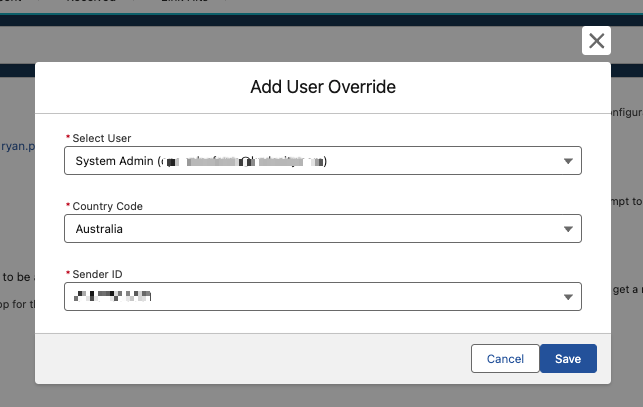
Administrators can assign specific default Sender IDs and Country settings to individual Salesforce users. This ensures users only have access to the Sender IDs appropriate for their role and prevents users from accessing Sender IDs assigned to other team members.
To configure:
-
In the Kudosity app, navigate to Settings.
-
Under User Specific Settings, select the user you wish to configure.
-
Assign their default Sender ID and Country.
-
Click Save.
Updated 5 months ago
Did this page help you?