
Installation Guide
Getting Started
Setting up the Kudosity Salesforce integration is a straightforward installation process.
You will need an active, funded Kudosity account with a verified Sender ID to get started.
Ways to send SMS from Salesforce:
- Send bulk campaigns to contact groups via the Messaging UI
- Automate SMS using Salesforce Flow
- Install an SMS conversation panel on any object page for 1-to-1 messaging
Application features include:
- Send campaigns from UI to Salesforce objects
- Schedule campaigns
- Character counter
- Message templates
- Message personalisation with merge fields
- Add SMS conversation panel to objects for 1-to-1 messaging
- Real-time conversation replies via websockets
- Delivery, Reply & Link Hit Platform Events that can trigger Flows
- Send SMS in Flows triggered by record updates or schedules
- SMS activity objects & feeds customisable to your reporting needs
Supported clouds: Sales Cloud and Service Cloud only. Marketing Cloud is not supported.
Prerequisites
Before installing, confirm you have the right Salesforce edition:
- Enterprise
- Unlimited
- Force.com
- Developer
- Performance
You will need administrative access to install the integration.
Network Access / IP Whitelisting
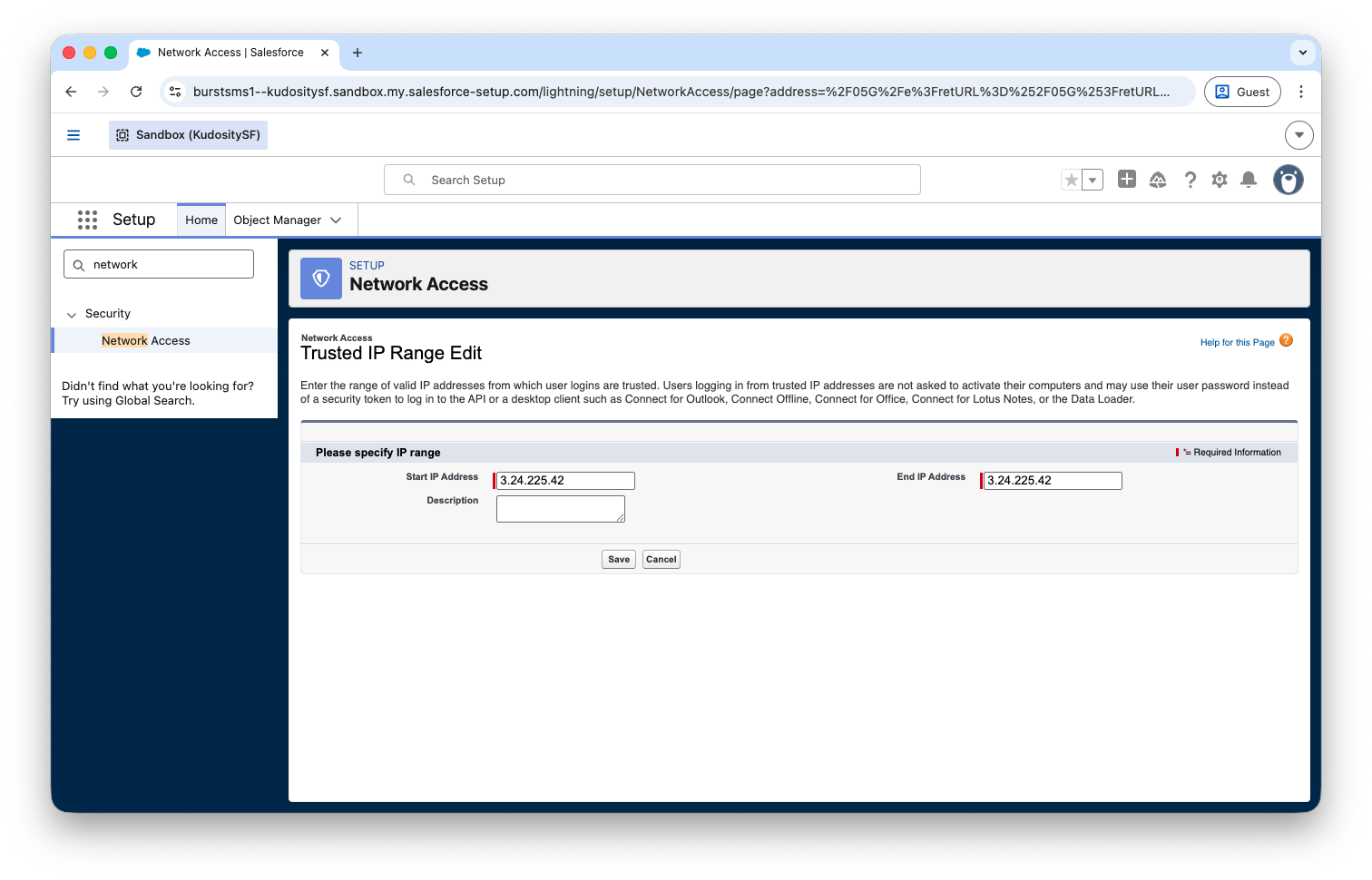
If your Salesforce instance uses IP whitelisting, add the following to your Network Access Trusted IP Ranges before installing:
3.24.225.42
13.55.133.33
54.66.106.87
Navigate to Setup → Security → Network Access, then under Users/Profiles click Login IP Ranges and add the addresses above.
Updated 5 months ago
What’s Next
Did this page help you?