
Recipient Contacts
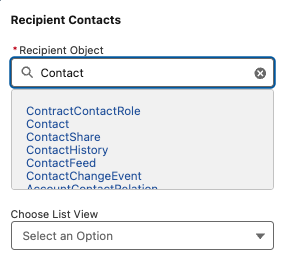
Recipient Object — define your recipient object by typing the object name, for example Lead, Contact, Campaign, or Opportunity.
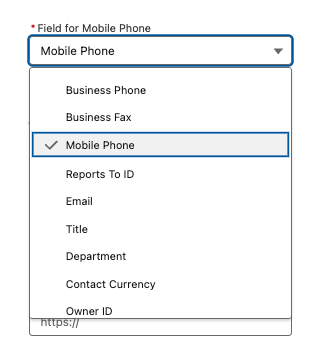
Field for Mobile Number — select the field within your object that holds the mobile number.
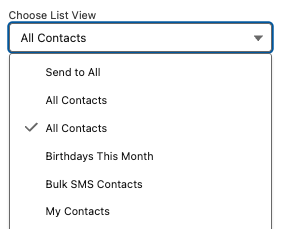
Choose List View / Campaign — refine targeting by selecting a list view or campaign. Views can be filtered to create segmented lists.
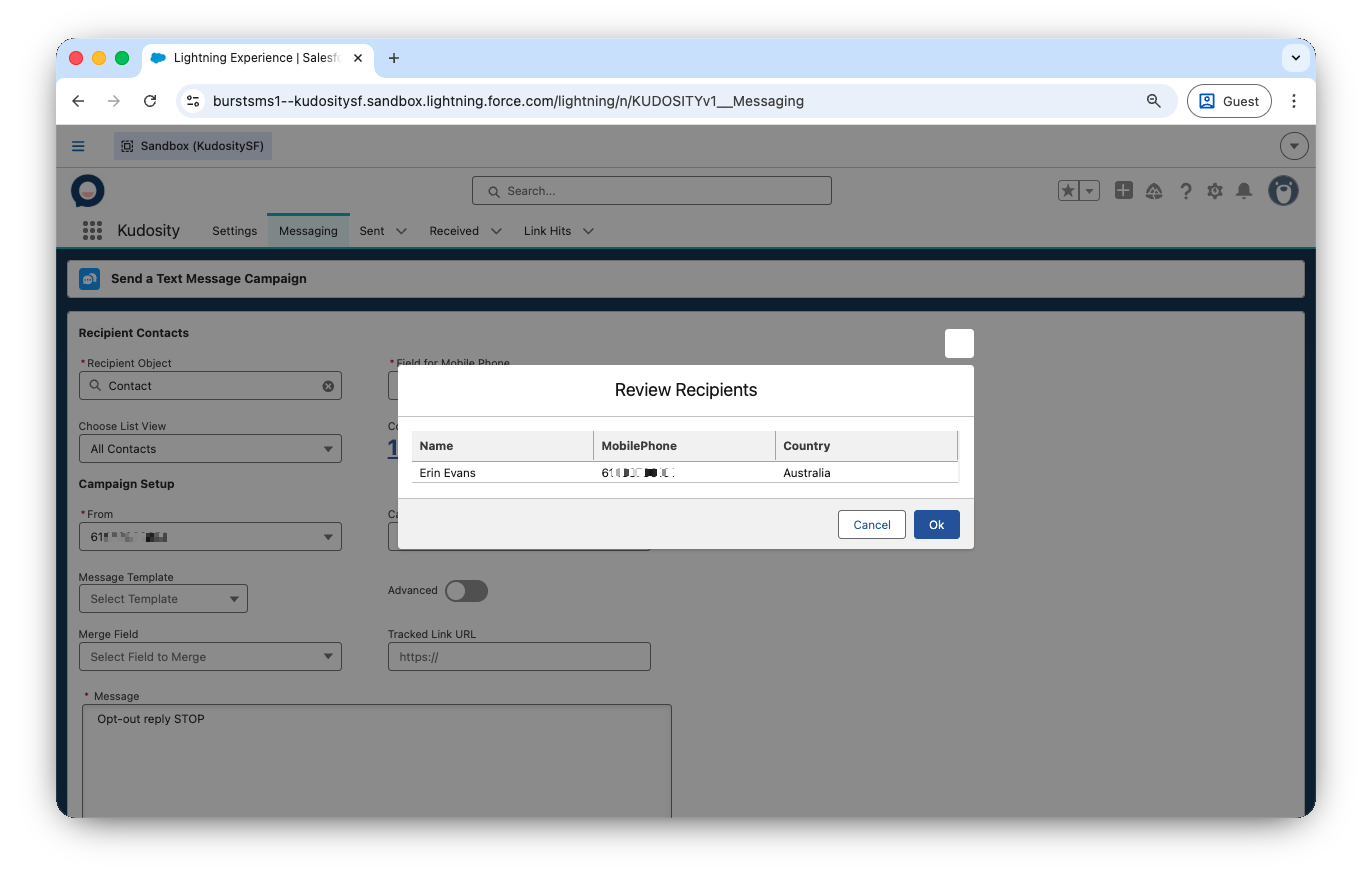
Review Message Recipients — click the recipient count to preview who will receive the message, including name, mobile number, and country.
Updated 5 months ago
Did this page help you?